


Pharos Terminal · Grades 7–12
The Classroom Terminal
The classroom side of Pharos Terminal. It lets one adult gather students from several families into a single class, such as a co-op class, a learning pod or a tutoring group, and assign the same work to all of them at once.
To run a classroom, you need a parent account with an active Pharos Terminal subscription. Each family pays for its own student’s seat. See pricing.
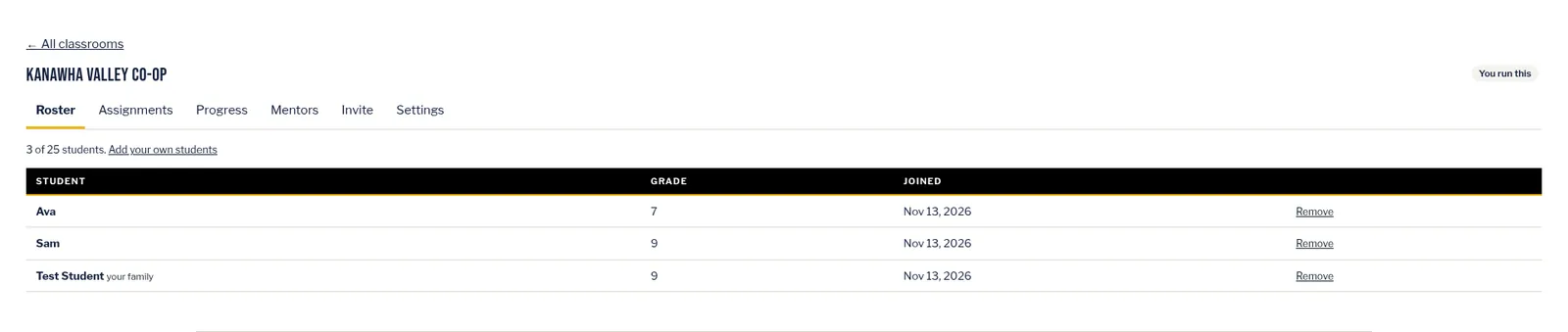
Teachers, co-op leaders, tutors and parents
Who it’s for
For teachers, co-op leaders, tutors and parents.
Teachers
Gather students from several families into one class and assign the same work to all of them at once.
Co-op leaders
Name a classroom — for example, “Tuesday co-op · Grade 7 history” — then share a join code or link with your families.
Tutors
Run a tutoring group from the same Classrooms tab. You can also invite a helper as a mentor. Mentors need only a zacnorthup.com account, not a plan, and see first names, grades and classroom progress only.
Parents
Run a classroom yourself, or add your student to someone else’s. A parent always adds the student. Students can’t join on their own.
Four steps
How it works
From sign-in to your first classroom assignment.
Sign in and create a classroom
Go to zacnorthup.com/terminal/ and sign in with your parent account (not a student sign-in). Open the Classrooms tab and press Create a classroom.
Invite families
Share the join code or link by email, text or on paper. A new code works for 14 days unless you choose another length.
Parents add their students
Each parent opens the link, signs in with their own parent account, chooses their student and checks the consent box. A classroom holds up to 25 students.
Assign work and track progress
Use the same Assign buttons you use at home — for a Nexus Point, a lesson packet, one session, a course lesson, a Reality Writes! module or a book on the Reading List. Each student gets their own copy in Your plan on their Dashboard, labeled with the classroom’s name. The Progress tab shows where everyone stands.
Three things to know first
- Each family pays for its own student’s seat. Joining a classroom does not use a seat on your plan, and it does not give a student your family’s content.
- A parent always adds the student. Students can’t join on their own.
- A classroom holds up to 25 students.
On the student’s Dashboard
What students get
Students sign in the usual way. Classroom work appears in Your plan on their Dashboard, in the same cards as home work, labeled with the classroom’s name.
They open and do the work exactly as they do now, and mark it done in their own tracker.
They don’t see the Classrooms tab, other students, codes or progress tables.
Joining a classroom does not use a seat on the teacher’s plan, and it does not give a student the teacher’s family content. Each family’s own plan decides what its student can open.
Handbooks
The Classroom guides
Two PDF guides for teachers, co-op leaders, tutors and parents.
Classroom Terminal Handbook
The full reference for running a class in Pharos Terminal.
Download the PDF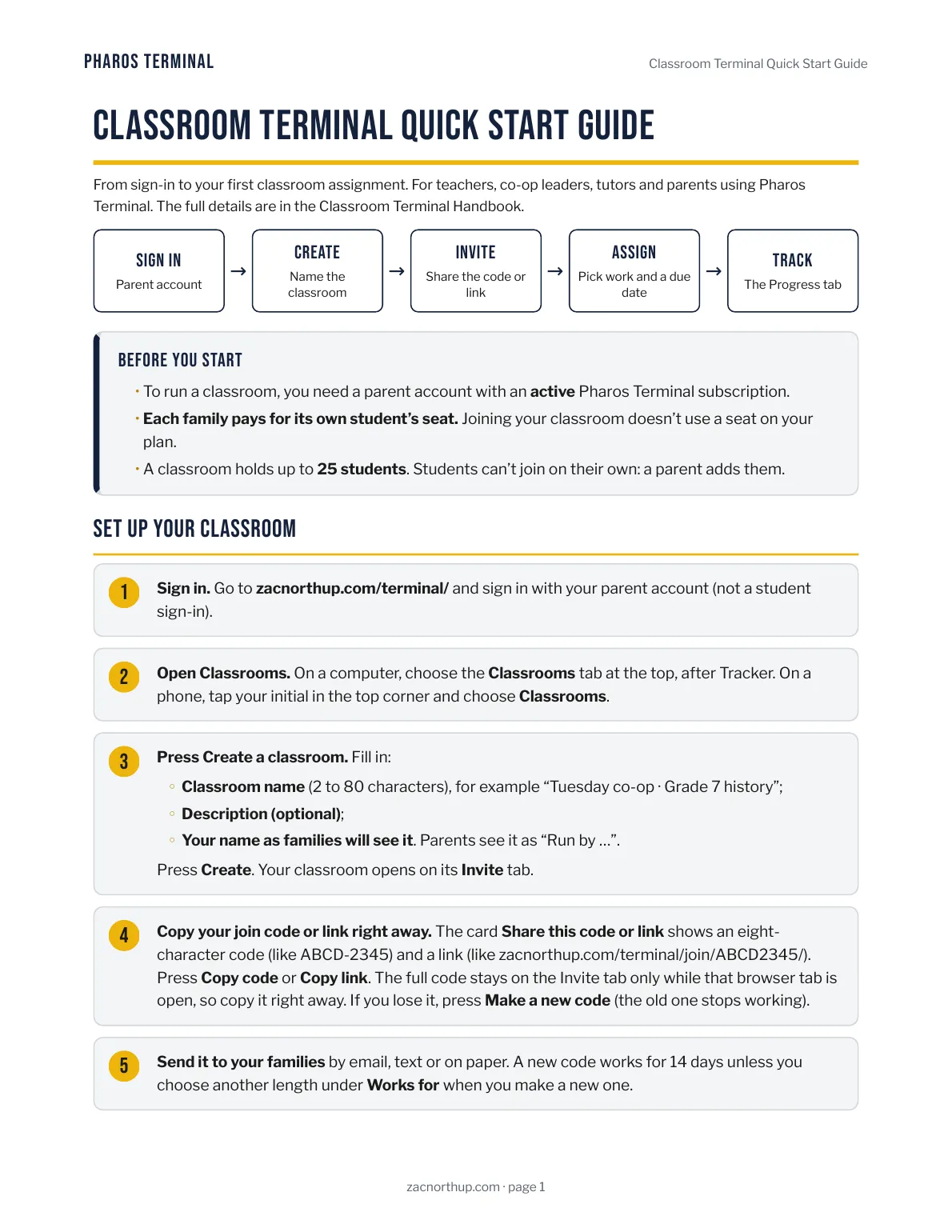
Classroom Terminal Quick Start Guide
From sign-in to your first classroom assignment. The short version of the Handbook.
Download the PDFPharos Terminal
Start a classroom
Create your parent account and start a Pharos Terminal subscription, then sign in at zacnorthup.com/terminal/ and open the Classrooms tab.
Questions? Email officialzacnorthup@zacnorthup.com.
Pharos Terminal lessons are aligned to West Virginia Department of Education academic standards for English language arts, science and social studies.
Standards alignment is provided for planning and record-keeping. Pharos Terminal is not endorsed, approved or accredited by the West Virginia Department of Education or the West Virginia Board of Education.